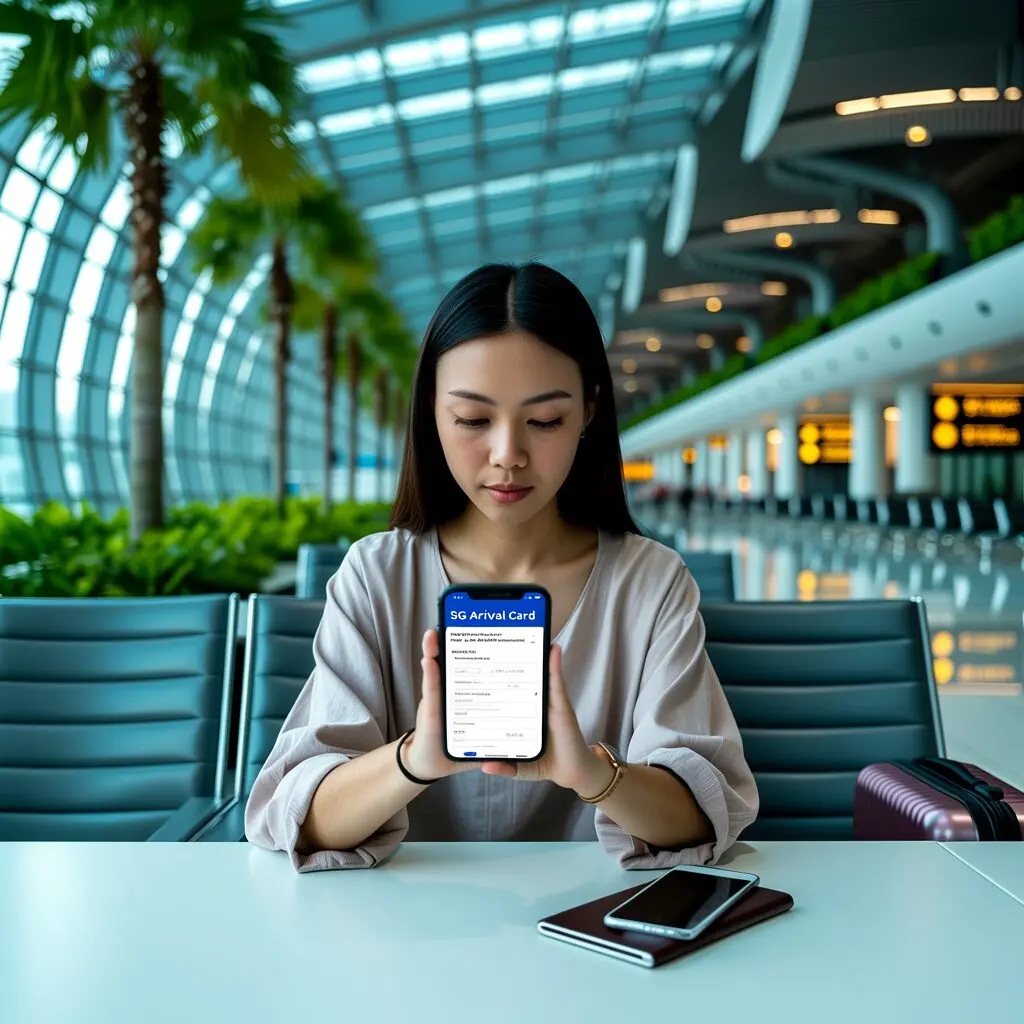
Many travellers search for an SG Arrival Card download option. While the SGAC itself is a digital submission (not a downloadable document), there are important things to know about accessing your confirmation and using the official mobile app.
Is There a Downloadable SG Arrival Card?
The Singapore Arrival Card is not a downloadable form. It is an online submission that is processed electronically. You do not need to download, print, or carry any physical document. Your submission is stored in ICA’s system and verified using your passport at immigration.
What You Receive After Submission
After successfully submitting your SGAC, you receive:
- Acknowledgement email: Sent to the email address you provided during submission
- Submission reference: A confirmation that your SGAC has been processed
- e-Pass: Issued when you clear immigration in Singapore (sent to your email)
Downloading the MyICA Mobile App
While you cannot download the SGAC form itself, you should download the official MyICA Mobile app:
| Platform | Download Source | App Name |
|---|---|---|
| iOS (iPhone/iPad) | App Store | MyICA Mobile |
| Android | Google Play | MyICA Mobile |
The app is published by Immigration & Checkpoints Authority and is the only official mobile platform for SGAC submission. It is free to download and use.
Benefits of the MyICA App
- Profile saving: Store your passport and personal details for faster future submissions
- Auto-fill: Your saved information populates automatically on subsequent trips
- Submission history: View all your past SGAC submissions in one place
- Push notifications: Reminders to submit before your trip
- Update feature: Easily update your SGAC if plans change
How to Access Your SGAC Confirmation
If you need to view your SGAC confirmation after submission:
- Check the email address you used during submission
- Look for an email from ICA with your acknowledgement
- If using the MyICA app, go to “My Submissions” to view history
- At Singapore immigration, your submission is verified automatically via passport
Beware of Fake Download Sites
Several websites offer “SG Arrival Card PDF downloads” or “printable arrival cards.” These are:
- Not affiliated with ICA
- Often charge fees for a free service
- May collect your personal data for fraudulent purposes
- Completely unnecessary since the SGAC is digital-only
Always use ica.gov.sg or the official MyICA app for all SGAC-related activities.
Can I download the Singapore Arrival Card as a PDF?
No. The SGAC is a digital submission, not a downloadable document. You do not need a PDF or printed copy. Your submission is verified electronically at immigration.
Do I need to show anything at Singapore immigration?
Only your passport. The ICA officer verifies your SGAC submission using your passport details. No printed confirmation or app screenshot is needed.
Where can I download the official SGAC app?
The MyICA Mobile app is available on the App Store (iOS) and Google Play (Android). Search for “MyICA Mobile” published by Immigration & Checkpoints Authority.
What if I can’t find my SGAC confirmation email?
Log into the SGAC e-Service or MyICA app to check your submission status. You can also resubmit if needed. The confirmation email is not required at immigration.
Download the official app and submit your Singapore Arrival Card online today.